
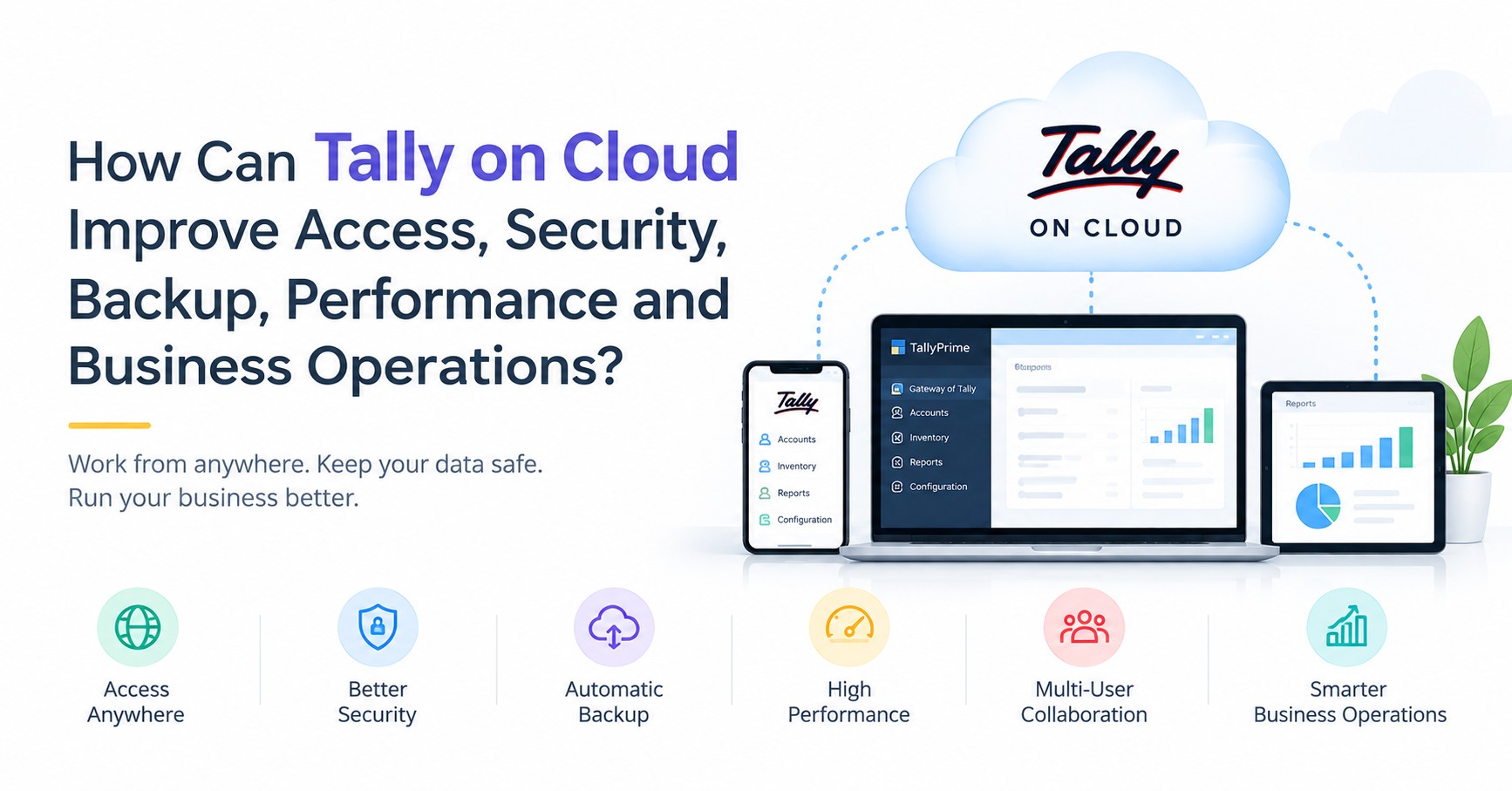
Tally on Cloud can improve business accounting by making Tally accessible remotely, supporting scheduled data backups, providing centralized hosting, enabling multi-user access and reducing dependence on local office hardware.
Tally on Cloud can improve business accounting by making Tally accessible remotely, supporting scheduled data backups, providing centralized hosting, enabling multi-user access and reducing dependence on local office hardware.
Instead of keeping your Tally setup limited to one office computer, you can use a cloud-hosted environment to work from different locations, manage users and keep your accounting operations more flexible.
But how does Tally on Cloud actually help with access, security, backup, performance and day-to-day business operations? Let’s understand each benefit.
How Does Tally on Cloud Improve Access?
One of the biggest advantages of Tally on Cloud is remote access.
With a suitable cloud setup, authorized users can access their Tally environment without being physically present in the office.
This can be useful when you are:
- Working from home
- Travelling for business
- Working from another office
- Managing multiple branches
- Checking accounting information remotely
Instead of depending completely on one office computer, your team can work through the cloud-hosted Tally environment.
Can I access Tally from anywhere?
Yes, Tally hosted on a cloud server can generally be accessed remotely through an internet connection, provided the user has the required permissions and the service supports the device being used.
How Does Tally on Cloud Help with Remote Working?
Business operations are no longer limited to one location.
An owner may be travelling, an accountant may be working from home, and another employee may be working from a different branch.
Tally on Cloud can provide a common hosted environment where authorized users can access Tally remotely.
This can make work-from-home and distributed working easier without depending entirely on the office computer.
How Does Tally on Cloud Help with Data Backup?
Tally data may contain years of important business information, including:
- Sales
- Purchases
- Ledgers
- Inventory
- Receivables
- Payables
- Tax-related records
- Financial reports
Losing recent data can create serious disruption.
A suitable cloud service can provide scheduled or automatic backups, depending on its configuration. This can reduce the need to depend completely on employees remembering to take manual backups.
For example, instead of someone having to remember to copy data to a storage device every day, the backup process can be scheduled according to the service provider's policy.
Important: Backup frequency, storage duration and recovery options vary between providers. Always check these details before choosing a service.
How Does Tally on Cloud Improve Data Security?
Accounting data needs protection from unauthorized access, accidental deletion and other security risks.
A professional cloud hosting setup may include security measures such as:
- User authentication
- Access permissions
- Secure data transmission
- Server-level security
- Backup systems
- Controlled user access
However, no system should be described as completely risk-free.
Businesses should ask the service provider about its security practices, backup policy, access controls and recovery process.
How Can Tally on Cloud Reduce the Risk of Losing Data?
A local computer can experience different problems.
For example:
- Hard-drive failure
- Hardware damage
- Accidental deletion
- Malware
- System failure
- Power-related issues
If your Tally setup depends only on that computer, accounting work may be interrupted.
With a cloud-hosted Tally environment and a proper backup configuration, your business can have additional protection against local hardware problems.
If the office computer stops working, authorized users may still be able to access the hosted environment from another supported device.
How Does Tally on Cloud Improve Performance?
Tally performance depends on several factors, including:
- Data size
- Number of users
- Server resources
- Computer hardware
- Internet connectivity
- Tally configuration
A properly configured cloud server can provide suitable resources for your hosted Tally environment.
For businesses with larger data or multiple users, the right server configuration can help provide a smoother working experience.
However, cloud hosting does not automatically guarantee unlimited speed. Performance depends on the complete setup, including server resources and internet connectivity.
How Does Tally on Cloud Help Multiple Users Work Together?
Many businesses have different employees working on accounting activities.
For example:
- Sales team handles sales entries
- Purchase team records purchases
- Accounts team manages ledgers
- Management checks reports
- CA or accountant reviews financial information
A suitable cloud setup can allow multiple authorized users to access the same hosted Tally environment, depending on the Tally license and server configuration.
This can make collaboration easier, especially when users are working from different locations.
How Does Tally on Cloud Help Control User Access?
Every employee does not need access to every accounting function.
User permissions can help businesses control access according to an employee's role.
For example:
- One employee may enter transactions
- Another may view reports
- A manager may have wider access
- An authorized professional may review financial information
The exact permission options depend on the Tally version and configuration.
Proper access control can help businesses manage sensitive accounting information more effectively.
How Can Tally on Cloud Make CA and Accountant Access Easier?
Businesses often need to share accounting information with their CA or accountant for review, taxation and reporting.
With a cloud-hosted Tally environment, an authorized professional may be able to access the required data remotely instead of depending on repeated file transfers.
This can save time when different people need to work with or review the same accounting environment.
Access should always be provided using appropriate user permissions.
How Can Tally on Cloud Reduce Hardware and IT Requirements?
A local multi-user Tally setup may require additional infrastructure such as:
- Server computer
- Local networking
- Storage
- UPS
- Hardware maintenance
- IT support
With cloud hosting, much of the server infrastructure is managed by the cloud service provider.
This can reduce the amount of hardware and server maintenance that the business needs to manage at its own office.
How Does Tally on Cloud Help Businesses with Multiple Branches?
Businesses operating from different cities or locations may find it difficult to manage accounting access when data is spread across separate systems.
A centralized cloud-hosted Tally environment can allow authorized users from different locations to access the same environment.
For example, a business may have branches in Jaipur, Delhi and Mumbai.
Instead of depending completely on one physical office setup, users can connect to the centralized environment remotely.
The exact setup depends on the Tally license, business requirements and cloud configuration.
How Can Business Owners Monitor Tally Data Remotely?
Business owners are not always available in the office.
They may be:
- Travelling
- Meeting customers
- Visiting another branch
- Working from home
With remote access to a cloud-hosted Tally environment, an authorized owner can check required accounting information without being physically present at the office.
This can help owners stay connected with business operations while travelling.
How Can Tally on Cloud Help Reduce Business Disruption?
Unexpected problems with a local computer can stop accounting work.
A cloud-based setup can provide an alternative way to access the hosted Tally environment when the local computer is unavailable.
Combined with a suitable backup and recovery process, this can support better business continuity.
The actual recovery process and downtime depend on the cloud provider, infrastructure, backup system and nature of the issue.
Is Tally on Cloud Suitable for Every Business?
Not necessarily.
Tally on Cloud can be useful for businesses that need:
- Remote Tally access
- Multiple-user working
- Regular backup
- Centralized accounting data
- Work-from-home access
- Multiple-location access
- Reduced dependence on local hardware
- Better backup management
However, the right solution depends on the business's number of users, data size, working process, internet connectivity and Tally requirements.
What Should You Check Before Choosing Tally on Cloud?
Before selecting a Tally on Cloud service, consider these points:
Backup Frequency
Ask how often your data is backed up.
Backup Retention
Check how long backup copies are retained.
Security
Understand the provider's security practices and access controls.
User Capacity
Make sure the setup supports the number of users your business needs.
Server Performance
Check the server resources available for your data and users.
Recovery Process
Ask how your data can be restored if a problem occurs.
Technical Support
Understand what support is available and how issues are handled.
Pricing
Check what is included in the plan, such as users, storage, backup and support
Frequently Asked Questions About Tally on Cloud
How can Tally on Cloud improve business accounting?
Tally on Cloud can make accounting more flexible by providing remote access, centralized hosting, scheduled backup options, multi-user access and reduced dependence on local office hardware.
Can I access Tally from anywhere?
Yes, a cloud-hosted Tally environment can generally be accessed remotely through an internet connection, subject to the service configuration and user permissions.
Does Tally on Cloud provide automatic backup?
It can provide scheduled or automatic backup depending on the service provider and configuration. Always confirm the backup frequency and retention policy.
Is Tally on Cloud secure?
Security depends on the cloud provider's infrastructure, access controls and security practices. Businesses should review these before choosing a service.
Can multiple users use Tally on Cloud?
Yes, multiple authorized users can access a cloud-hosted Tally environment depending on the Tally license and server configuration.
Can I use Tally on Cloud for work from home?
Yes. Remote access is one of the main reasons businesses use a cloud-hosted Tally setup.
Can my CA access Tally on Cloud?
An authorized CA or accountant may be given access if the service and permissions support it. Access should be controlled according to business requirements.
Does Tally on Cloud reduce the need for a local server?
It can reduce the need for businesses to maintain their own local server infrastructure because the Tally environment is hosted on a cloud server.
Conclusion
How can Tally on Cloud improve your business? It can make Tally more accessible, support structured backup, provide centralized hosting, enable multi-user working and reduce dependence on a single office computer.
For businesses that need to work from different locations, manage multiple users, protect accounting data and stay connected with their operations, Tally on Cloud can provide a flexible working environment.
Before choosing a service, compare its backup policy, security, performance, user access, recovery process, technical support and pricing.
The right setup should not only help you access Tally remotely but should also match the way your business actually works.