
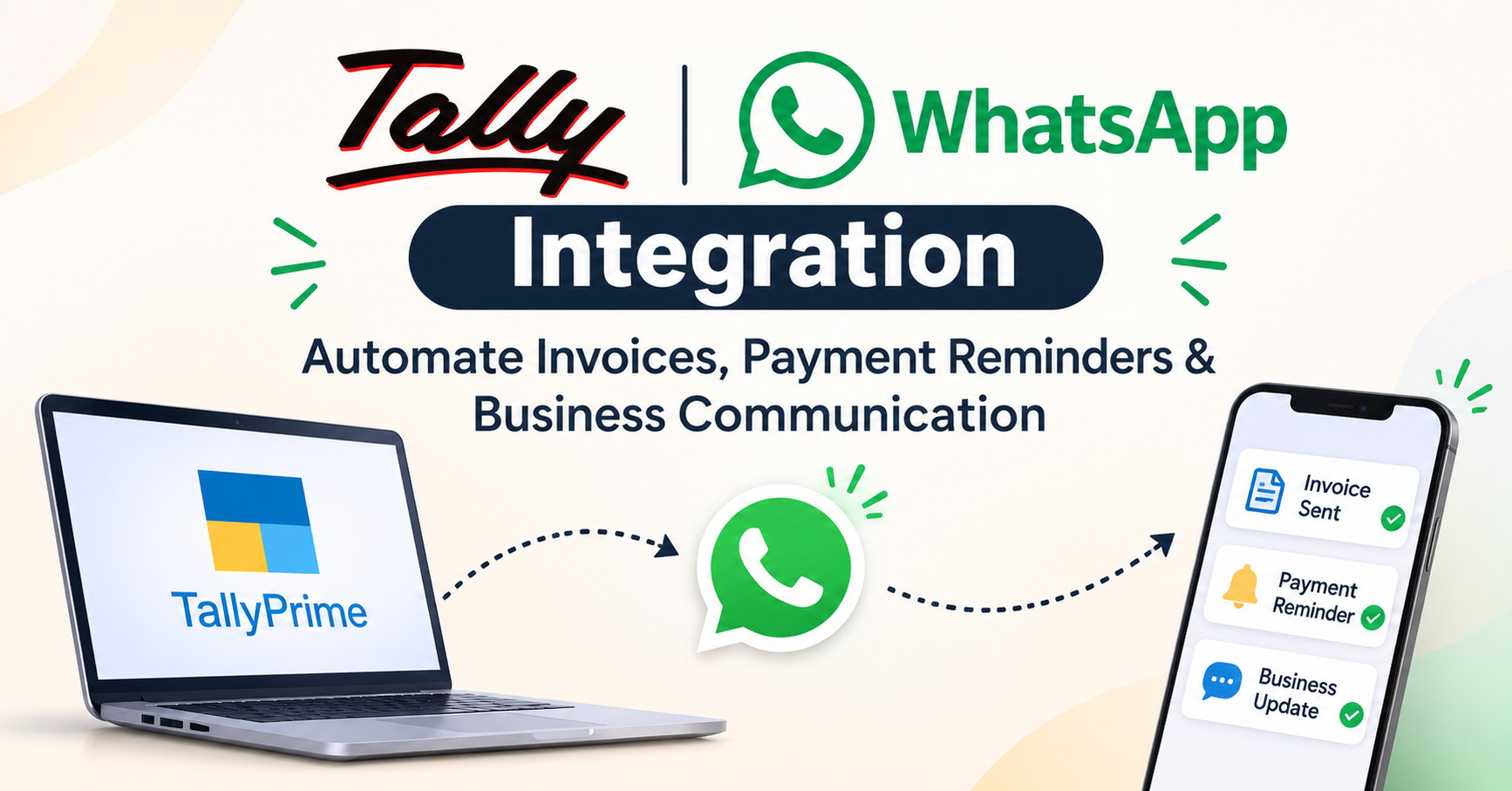
If you run a small or mid-sized business in India, chances are your accounts live in Tally and your customers live on WhatsApp. For years, these two worlds stayed apart. You created an invoice in Tally, exported a PDF, opened WhatsApp, found the contact, attached the file and typed a message. Multiply that by fifty invoices a day and a lot of working hours disappear.
Tally WhatsApp integration closes that gap. It connects your accounting data with the messaging app your customers already check dozens of times a day. In this guide, you will learn what the integration is, how it works, what you can automate, and how to set it up the right way.
What Is Tally WhatsApp Integration?
Tally WhatsApp integration means linking TallyPrime (or Tally.ERP 9) with WhatsApp so that business documents and alerts can be sent from your accounting software without manual copy-paste. Depending on the approach you choose, this can be as simple as TallyPrime's built-in option to share a document on WhatsApp, or as advanced as a connector built on the WhatsApp Business API that sends messages automatically based on triggers in your books.
Typical messages include:
- Sales invoices and credit notes
- Payment due reminders and overdue alerts
- Payment receipts and acknowledgements
- Ledger statements and outstanding reports
- Order confirmations and delivery updates
The core idea is simple: your data is already in Tally, so the communication should start from Tally too.
Why Businesses Are Moving Tally Communication to WhatsApp
Email still matters, but in India WhatsApp is where attention is. Invoices sent by email often sit unopened; a WhatsApp message is usually seen within minutes. For businesses chasing receivables, that difference is significant.
1. Faster invoice delivery. Customers receive the invoice the moment it is generated, which means the payment clock starts sooner.
2. Better open rates. WhatsApp messages tend to be read far more quickly than emails, so reminders do not get lost.
3. Lower manual workload. Your accounts team stops acting as a messaging desk and focuses on actual accounting.
4. Fewer errors. Automation pulls the customer number, amount and invoice details straight from Tally, reducing wrong attachments and wrong recipients.
5. A professional customer experience. Consistent, timely messages build trust with customers and distributors alike.
How to Automate Invoices from Tally on WhatsApp
Invoice automation is usually the first use case businesses adopt. Here is how the workflow generally runs:
- Create the invoice in Tally. You raise a GST sales invoice as usual in TallyPrime.
- The integration picks up the voucher. A connector reads the new voucher, along with the party's mobile number stored in the ledger.
- A PDF is generated. The invoice is converted into a shareable PDF in your preferred print format.
- WhatsApp delivers it. The customer receives the PDF with a short, templated message such as the invoice number, amount and due date.
- Delivery status is tracked. Good integrations show whether the message was sent, delivered or read.
Because the process is triggered by voucher creation, there is no extra step for your staff. Raise the invoice, and the customer has it.
Tip: Keep the customer's WhatsApp number updated in the Tally party master. Clean master data is the foundation of every successful automation.
Automate Payment Reminders on WhatsApp
Late payments hurt cash flow more than almost anything else. Chasing them manually is awkward, inconsistent and easy to forget. Automated payment reminders on WhatsApp solve all three problems.
A smart reminder schedule might look like this:
- Before the due date: A friendly nudge two or three days ahead.
- On the due date: A short message with the amount and a payment link or bank details.
- After the due date: Polite follow-ups at set intervals, such as 3, 7 and 15 days overdue.
- Escalation: A final message that notifies the customer you may need to follow up personally.
Since the integration reads outstanding receivables directly from Tally, reminders always reflect the current balance. When a payment entry is recorded, reminders for that invoice can stop automatically, so customers never receive a reminder for something they have already paid.
Many businesses also add a payment link (UPI or a payment gateway) to the message. This shortens the path from reminder to money in the bank.
Other Business Communication You Can Automate
Invoices and reminders are only the beginning. Once Tally and WhatsApp are connected, you can extend the setup to cover:
- Payment receipts: Send an instant acknowledgement when a receipt voucher is posted.
- Ledger and statement sharing: Let customers request or receive their account statement.
- Order and dispatch updates: Share order confirmations, e-way bill details or delivery notes.
- Festive and promotional messages: Share offers with opted-in customers using approved templates.
- Internal alerts: Notify owners about large invoices, low stock or high outstanding balances.
Key Features to Look For in a Tally WhatsApp Integration
Not every solution is equal. Before choosing one, check for these features:
- Compatibility with your version of TallyPrime, TallyPrime Server or Tally.ERP 9
- WhatsApp Business API support for reliable, scalable messaging
- Custom message templates with dynamic fields such as party name, amount and due date
- Scheduling and rules for reminders based on due dates and overdue days
- Multi-company and multi-user support if you manage several entities
- Delivery and read reports so you can see what reached the customer
- Data security with encrypted transfer and controlled access
- Local support and onboarding help for your accounts team
Step-by-Step: Setting Up Tally WhatsApp Integration
The exact steps vary by provider, but the overall process is similar:
- Audit your Tally data. Make sure customer names, mobile numbers and GST details are accurate.
- Choose your approach. Decide between native sharing for light use or an API-based connector for full automation.
- Set up a WhatsApp Business account. For automated messaging, you will typically need a verified business profile and API access through an approved provider.
- Create and approve message templates. WhatsApp requires pre-approved templates for business-initiated messages such as reminders.
- Connect the integration to Tally. Install the connector or add-on and link it to your company data.
- Test with a few parties. Send sample invoices and reminders to internal numbers first.
- Go live and monitor. Review delivery reports in the first weeks and fine-tune timing and wording.
Best Practices for WhatsApp Business Communication
Automation works best when it respects the customer. Keep these practices in mind:
- Get consent. Message only customers who have agreed to receive business communication on WhatsApp.
- Keep messages short and clear. Include the invoice number, amount and due date, and nothing unnecessary.
- Use a polite tone. Reminders should sound helpful, not aggressive.
- Respect timing. Avoid sending messages late at night or very early in the morning.
- Offer an easy way to respond. Let customers reply to ask for a copy, dispute an amount or confirm payment.
- Stay compliant. Follow WhatsApp's business messaging policies and India's data protection requirements.
Benefits at a Glance
When businesses connect Tally with WhatsApp, they commonly see:
- Faster collections and improved cash flow
- Hours saved every week on manual sending and follow-ups
- Fewer disputes thanks to timely, accurate documents
- Stronger customer relationships through responsive communication
- A more organised, paperless workflow
Who Should Use It?
The integration is especially useful for traders, wholesalers, distributors, manufacturers, retailers and service providers who raise a high volume of invoices or work with many credit customers. Chartered accountants and accounting firms that manage several clients' Tally data can also use it to standardise reminders and reporting.
Frequently Asked Questions
Does TallyPrime support WhatsApp directly? TallyPrime lets you share certain documents through WhatsApp, which suits occasional use. For fully automated invoices and scheduled reminders, most businesses add a WhatsApp Business API connector. Check the latest TallyPrime release notes and your provider's documentation for current capabilities.
Is Tally WhatsApp automation safe? Reputable providers use encrypted connections and role-based access. Always ask about where data is stored and how it is protected before you sign up.
Can I send GST invoices on WhatsApp? Yes. A GST invoice generated in Tally can be shared as a PDF over WhatsApp, either manually or automatically, as long as your invoice format meets GST requirements.
Will it work with multiple companies in Tally? Most solutions support multi-company setups, but confirm this with your provider.
Do I need a separate WhatsApp number? For API-based automation, you generally need a business number registered with the WhatsApp Business Platform. It cannot usually be the same number running on a regular WhatsApp app at the same time.
Conclusion
Tally WhatsApp integration turns your accounting software into a communication engine. Invoices reach customers instantly, payment reminders go out on schedule, and your team spends less time on repetitive messaging and more time on work that grows the business.
If manual follow-ups are slowing your collections, now is the right time to explore automation. Start small by automating invoice delivery, measure the results, and then add reminders and receipts. With clean data in Tally and a reliable WhatsApp connector, better cash flow and happier customers are well within reach.
Ready to get started? Review your Tally data, shortlist a trusted integration partner, and run a pilot with a handful of customers this week.